> ## Documentation Index
> Fetch the complete documentation index at: https://support.telivy.com/llms.txt
> Use this file to discover all available pages before exploring further.
# Nodeware
> Steps for common integrations
1. Go to Accounts > Integrations and enable Nodeware
 2. Enter the Nodeware API key and save
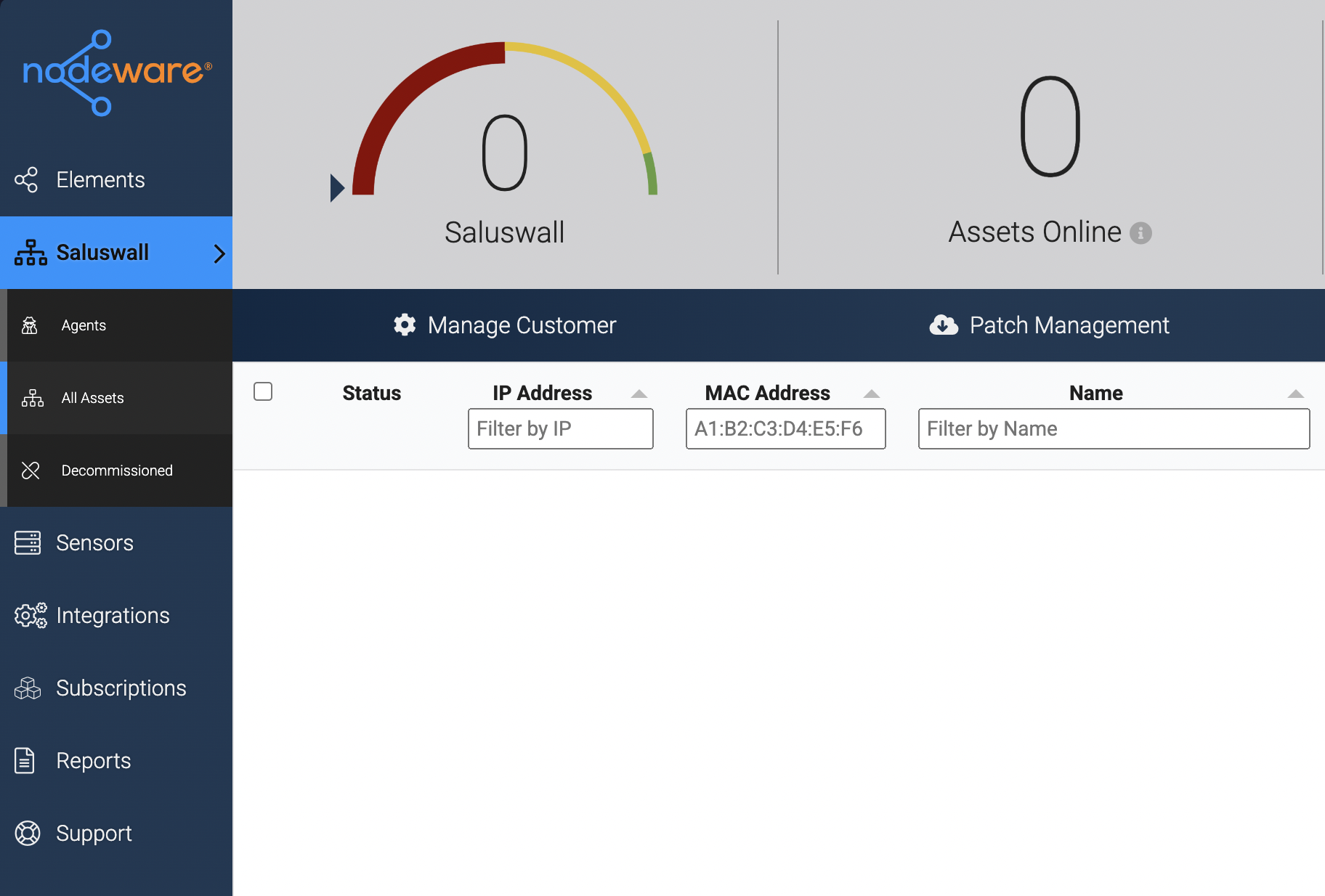
 3. Open the client in Nodeware and click on Manage Customer
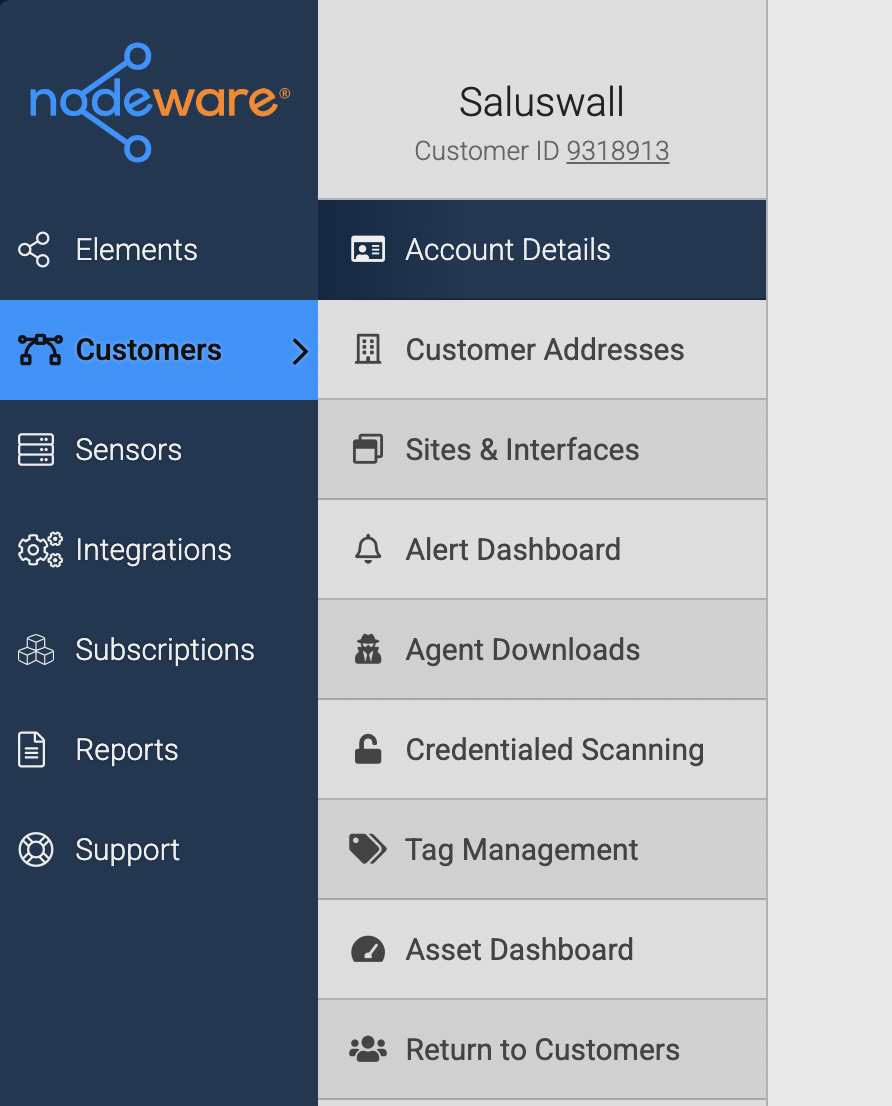
 4. Copy the Customer ID shown in the sidebar
 5. On the Risk Assessment for the same client, enable Nodeware by visiting Setup > Optional Steps > Connect Nodeware and adding the customer ID.
.png?fit=max&auto=format&n=6GwwuVnjrwKX2oPX&q=85&s=0ab2d8bc6045597b66d7a99ad5914167) 6. Once done, we will start fetching data, and it should show up under Security > Network in 24 hours
6. Once done, we will start fetching data, and it should show up under Security > Network in 24 hours