

Start here
Set Up Your Account
Branding, team members, and admin settings
Start a Risk Assessment
The full internal and external assessment
Start an External Assessment
A domain-only scan that finishes in minutes
Products
Risk Assessments
Endpoints, identities, data, Microsoft 365, and Google Workspace
External Assessments
Public attack surface: ports, certificates, and email security
Risk Monitoring
Recurring scans and alerts once the first report is out
Understand the results
Risk Scoring
How the score is calculated and what the bands mean
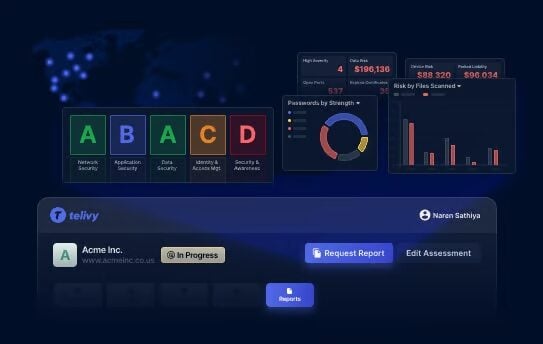
Report Grading
How each section of the report earns its grade
Compliance
Findings mapped to the CIS Critical Security Controls
Connect and get help
Integrations
ConnectWise, Autotask, HaloPSA, Rewst, Nodeware, Tentacle, webhooks, and MCP
Lead Magnet
Turn free scans on your website into leads
Frequently Asked Questions
Installation, uninstallation, platforms, and troubleshooting