

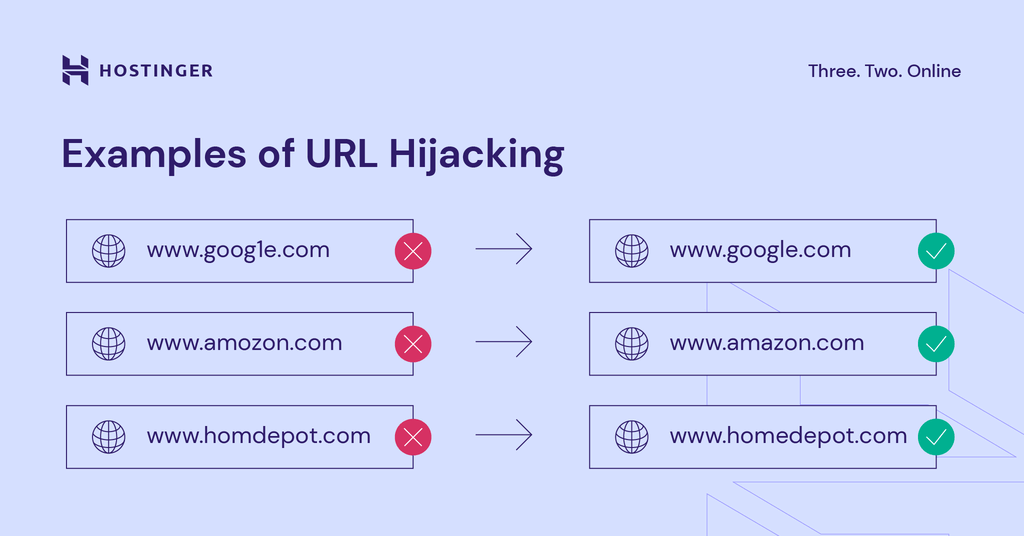
A legitimate domain next to a typosquatted lookalike
How attackers use lookalike domains
The attacker registers several close variants of the target’s domain. Some point the domain at a copy of the real login page. Others use it to send email that appears to come from the company or one of its suppliers, which is a common start to invoice fraud and business email compromise. A fake login page on a lookalike domain collects passwords and payment details. Email fromacme-corp.com instead of acmecorp.com is easy to miss, especially on a phone. The domain can also host malware downloads, and customers defrauded through a lookalike often blame the real company.
How Telivy helps
Telivy checks for registered domains that look like the client’s domains and reports them as typosquatting findings. With Risk Monitoring on, newly registered lookalikes raise a TypoSquatting Domains alert.What to do about it
- Keep monitoring, so you hear about new lookalike registrations before they are used.
- Register the most likely misspellings and other top-level domains of the client’s domain to take them off the market.
- Report malicious lookalikes to the registrar or hosting provider. Trademark owners can also file a UDRP complaint to take over the domain.
- Set up SPF, DKIM, and DMARC on the real domain. They do not stop a lookalike domain, but they make the real one harder to spoof. Mail filtering that flags lookalike sender domains covers some of the rest.
- Show staff what lookalike domains look like and ask them to report anything suspicious. Bookmarks for frequently used sites cut down on typing mistakes.
Related guides
Dark Web Scans
Leaked credentials tied to the client’s domains
External Assessments
What an external scan checks and how to run one