

sudo prefix. The data from the
Mac’s latest scan stays in the portal and in any report you generate.
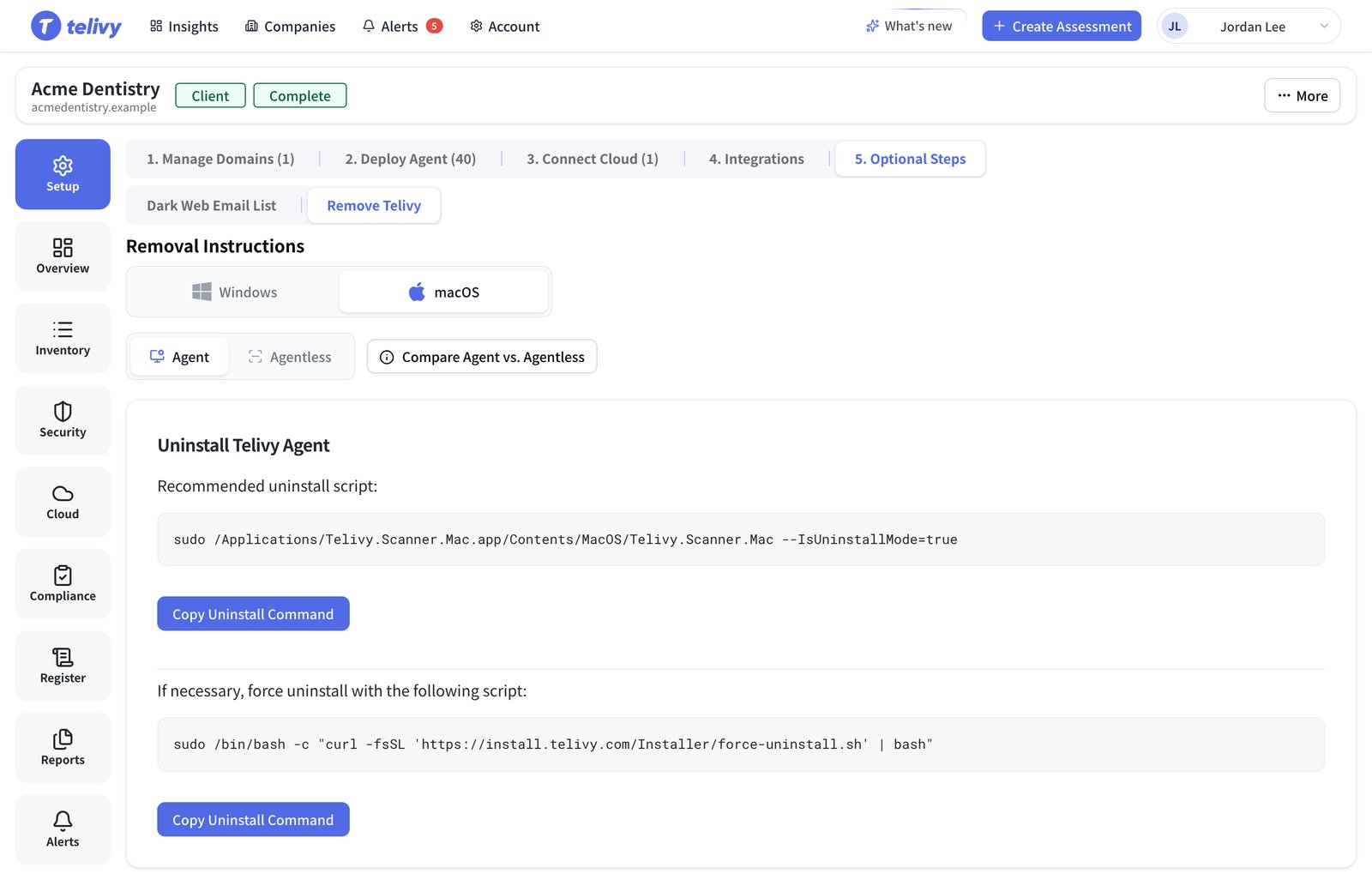
Recommended uninstall
Force uninstall
Use this when the recommended command fails or the app is damaged. The script unloads thecom.cytracom.telivy.agent background service, deletes its launch daemon, the
/Applications/Telivy.Scanner.Mac.app app and the
/Users/Shared/Library/Application Support/Telivy data folder, and removes the package
receipt. You can read it at
install.telivy.com/Installer/force-uninstall.sh
before you run it.
Agentless scans
The agentless scanner installs nothing. Eject the disk image and delete the downloaded file.Related guides
Install on macOS
Reinstall the agent or run the agentless scanner
Uninstallation FAQ
Archived assessments and devices that keep the agent