

Create external scans in bulk
To scan many companies at once, start from the Companies page. Select the companies, click New assessments in the bulk action bar, and choose External Scan. Each selected company gets its own scan. Creating assessments in bulk walks through the dialog. Companies have to exist in Telivy first. To bring them in from your PSA, use Importing companies from your PSA, which can create the scans in the same flow.From a list of domains
For a list of prospects that are not in Telivy or your PSA, create the scans with the Security API. Send onePOST /api/v1/security/external-scans request per
domain, with organizationName and domain in the body. A short script or an
n8n workflow can read the list from a spreadsheet and send the requests.
Export findings from all external scans
1
Open the export
On the Companies page, open View and select External scans (CSV) under
Export.
2
Choose a date range (optional)
Set a Start Date and End Date to export only scans from that period. Leave them
empty to export every external scan in your account.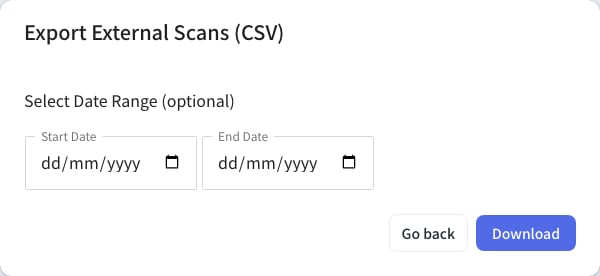
3
Download
Click Download. The CSV has the grade for each section and the top 10 findings from
each section, along with details such as the last scan time.